


The face match runs on your phone.
When you book, the app compares your selfie with the photo on your ID right on your phone. Nothing is uploaded for that check. If the match is unclear, our team reviews it with you.
How the face match worksFind a Raemulan Lands community, book with your seller, send your documents and follow your housing loan, all in Tahanan.


Coming soon to the App Store and Google Play
Tahanan is the Raemulan Lands app for buying your home. Find a community , book with your seller, pay the consultation fee, send your documents and see where your loan stands, without the back-and-forth of paper forms.
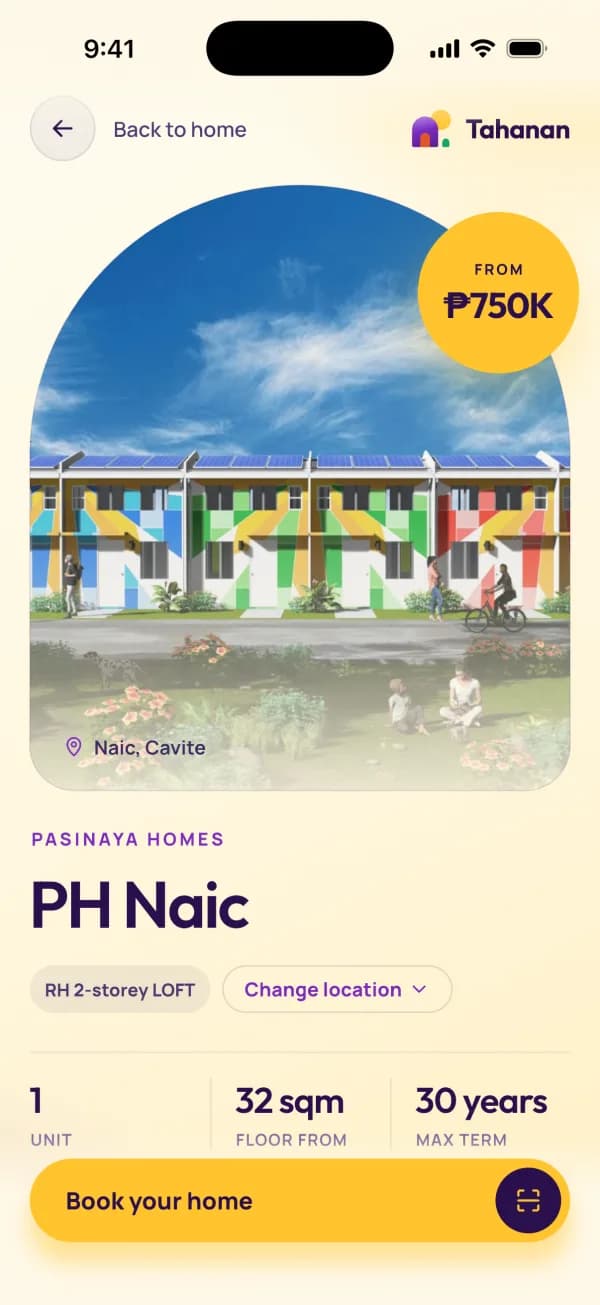
Browse Raemulan Lands brands and locations, look through the units, and see what you would pay each month.
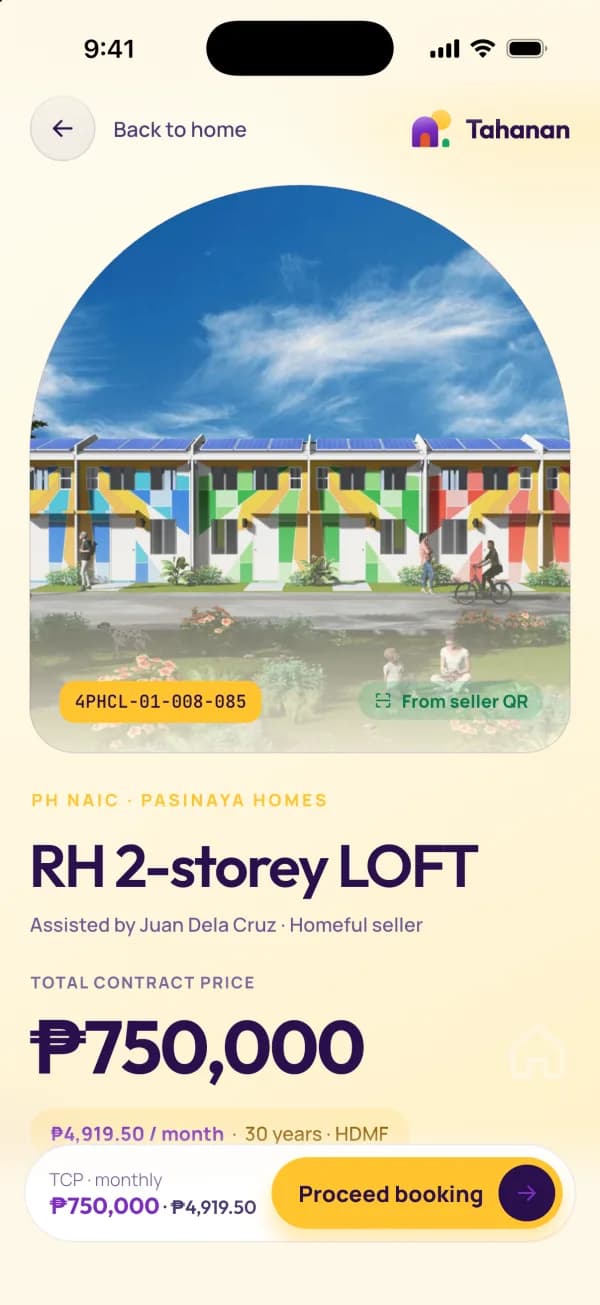
Your seller gives you a booking QR code. Scan it in the app and the unit you chose opens, ready to book.
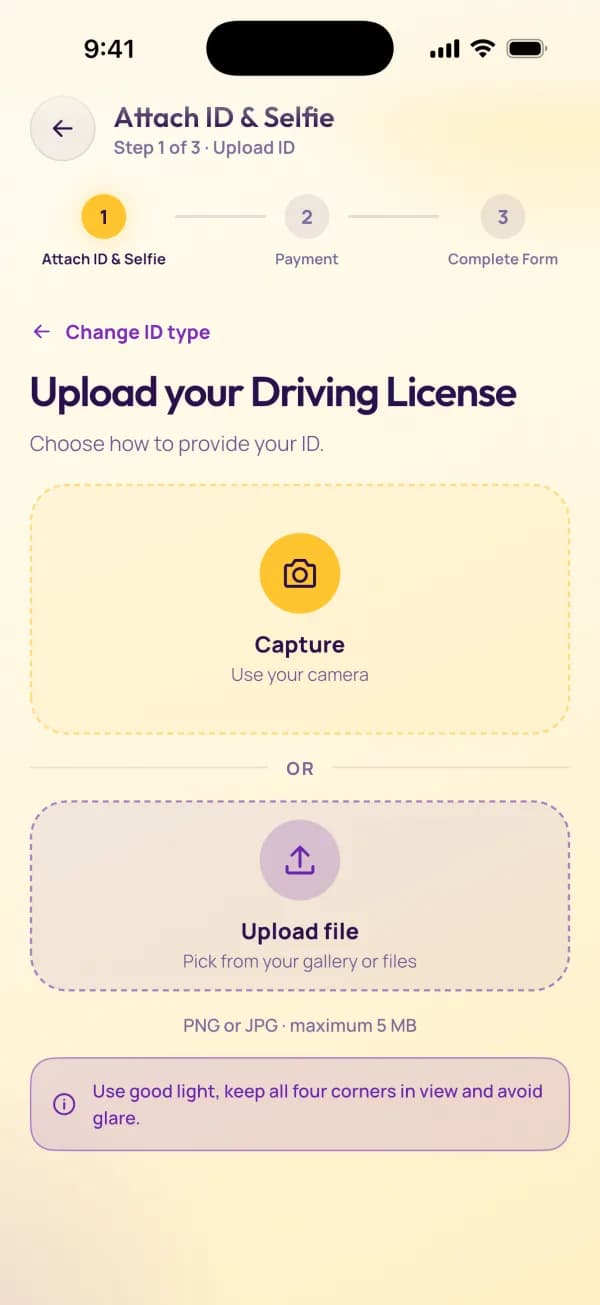
Attach your ID and a selfie. The face match runs on your phone. Then pay the consultation fee by card or InstaPay QR.
Fill in the Customer Information Form and upload your requirements. We remind you on Days 1, 3, 5 and 7.
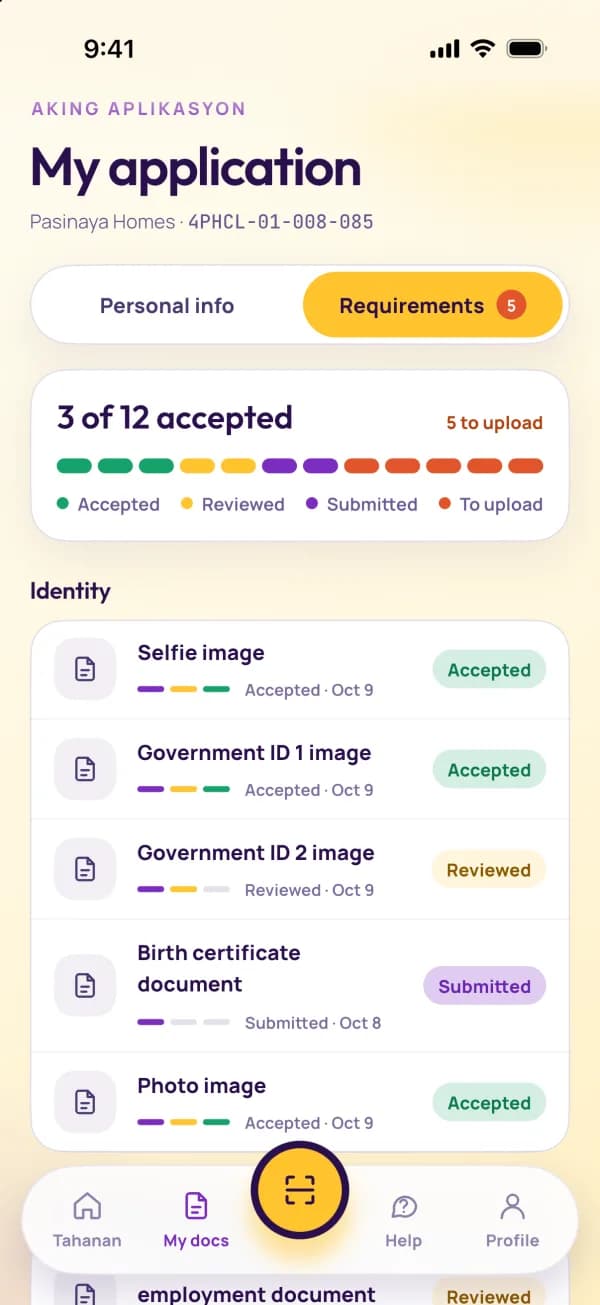
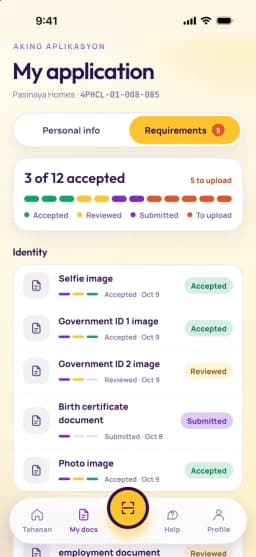
See every document's status and where your loan stands, and message our team in the app whenever you need help.
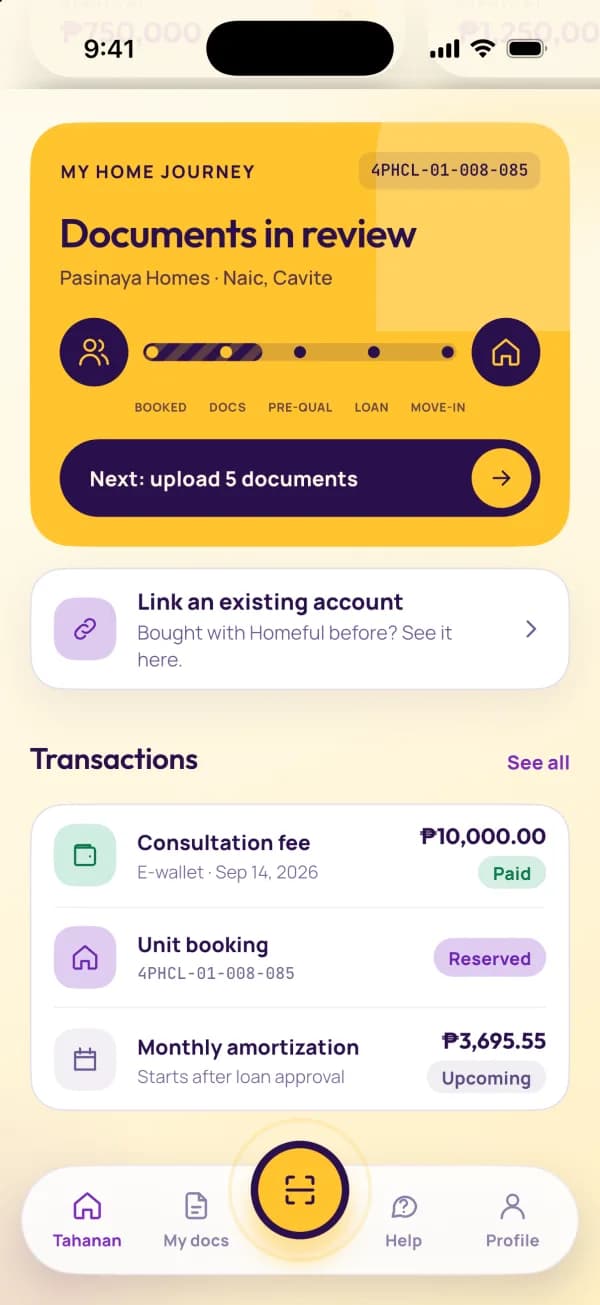
Explore Raemulan Lands communities in the app: photos, locations, available units and what each one costs.








Buying a home means sharing your ID, a selfie and your income. Here is what Tahanan does with them.
When you book, the app compares your selfie with the photo on your ID right on your phone. Nothing is uploaded for that check. If the match is unclear, our team reviews it with you.
How the face match worksYour details, documents and payments for your application, and nothing we do not need.
See the listYou can ask to see, correct or delete your personal data at any time.
Your rightsIn the app: Profile, then Delete account. Or send us a request from this website.
Tahanan follows your phone's setting, or you choose in Profile, then Appearance.
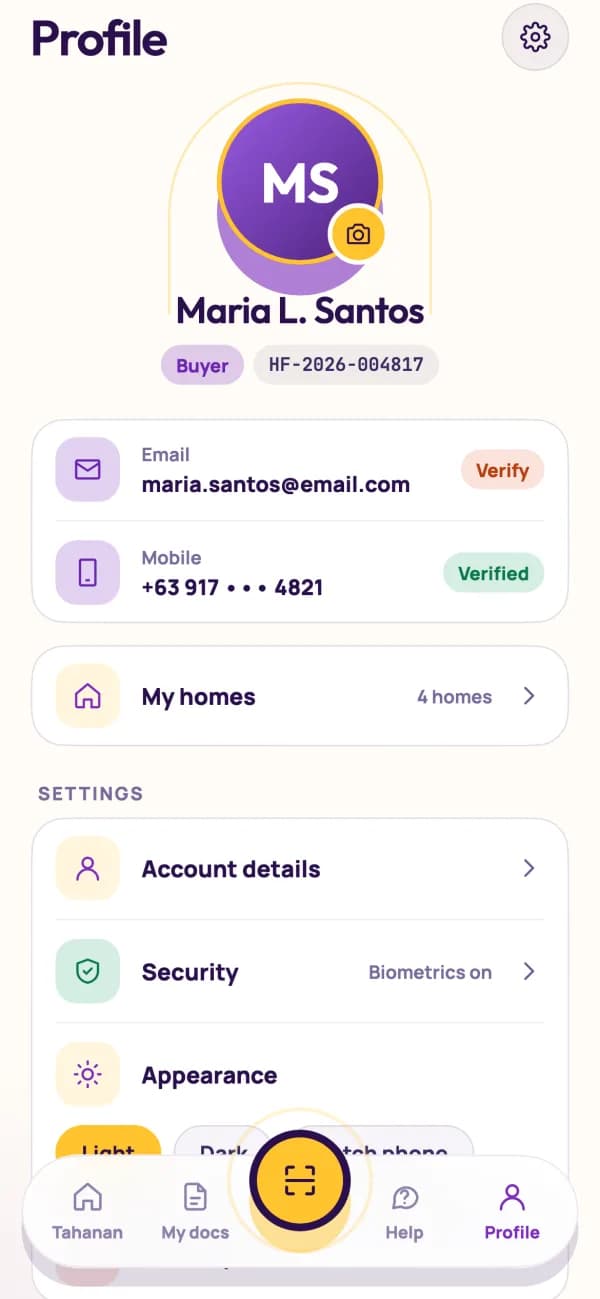
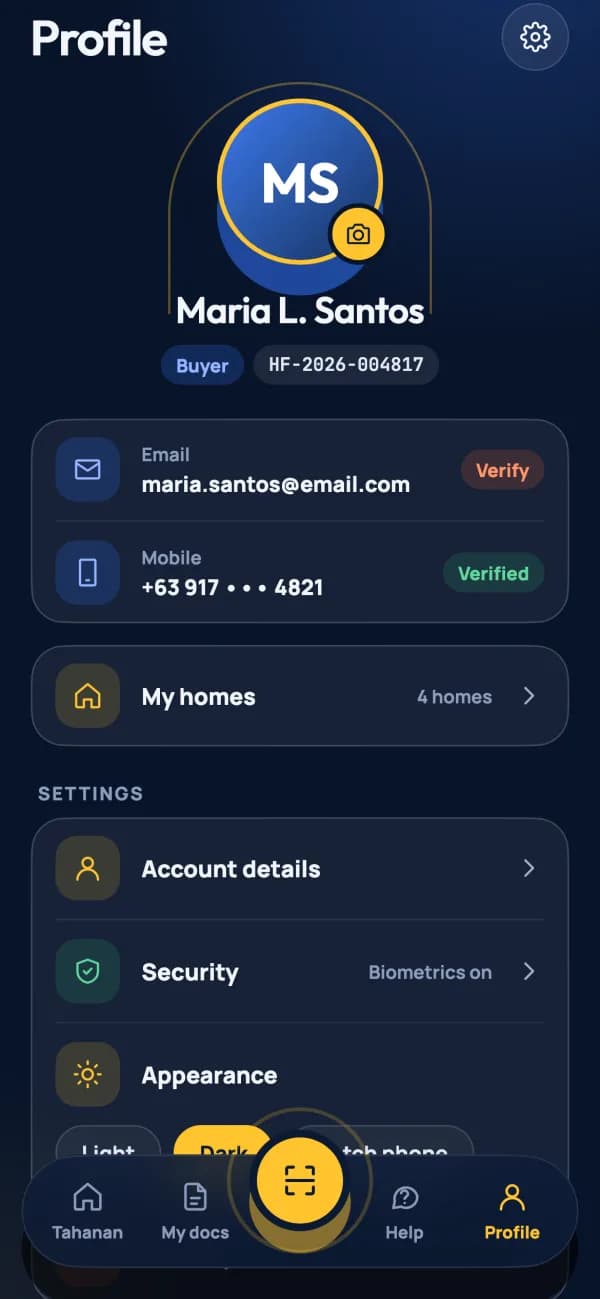
For iPhone and Android. Sign up, and you're ready when your seller shares your booking QR code.
Coming soon to the App Store and Google Play
On a computer? Scan this with your phone
to open the right store.